What Is Wise-ISP? Uniview OwlView Night Vision Explained
Your farm client wants to see who is at the shed at 2am, in colour, without floodlighting the whole yard. Infrared gives a grey picture, and white-light cameras draw attention and only show colour as far as their LEDs reach.
Wise-ISP is Uniview’s answer to that problem. This guide explains what Wise-ISP is, how it fits into five generations of night vision, what makes a camera OwlView or OwlView Plus, and where it outperforms infrared on South African sites.
What Is Wise-ISP?
Wise-ISP is Uniview’s fifth-generation night vision image processing technology. It analyses each scene in real time and adjusts brightness, colour, noise and motion blur, so a camera with an F1.0 lens or large sensor can show a full colour image in very low light, with its LEDs off.
ISP stands for image signal processor, the chip and software that turn raw sensor data into a picture. In its Wise-ISP technology blog, Uniview describes the system adjusting to contrast, motion and light levels as the scene changes.
How Wise-ISP Gives Full Colour Night Vision Without Lights
Even a dark farmyard has some moonlight or starlight. A Wise-ISP camera turns that into colour in three steps:
Gather more light. An F1.0 aperture lets in four times more light than F2.0, and a 1/1.8″ sensor senses about 180% more light than a standard 1/2.8″ sensor.
Process the scene. Wise-ISP lifts brightness, restores true colour, removes grain and corrects the smear that moving people and vehicles leave in low light.
Keep it consistent. Because colour comes from processing rather than a lamp, the whole frame stays in colour, not just the area an LED can reach.
Uniview rates its OwlView cameras for full colour down to 0.0003 lux, close to starlight levels.

Wise-ISP Cameras: What Makes an OwlView or OwlView Plus?
Not every Wise-ISP camera carries the OwlView name. According to Uniview’s OwlView product page, only cameras with an F1.0 lens or a 1/1.8″ sensor are designated OwlView. That is why some OwlView models still carry “ColorHunter Wise-ISP” in their name.
OwlView: Wise-ISP with an F1.0 lens or 1/1.8″ sensor. Suits most farm yards, shopfronts and school entrances.
OwlView Plus: Wise-ISP with an F1.0 lens and a much larger 1/1.2″ sensor, for forensic-grade detail on high-risk sites. Our OwlView Plus guide covers the range in detail.
Why Wise-ISP Cameras Can Keep Their LEDs Off
Many OwlView cameras carry warm white LEDs, but in most scenes they do not need them. Keeping them off has real benefits:
Discreet monitoring. Intruders cannot see where cameras are pointing, and staff and learners do not feel watched.
No light pollution. Neighbours, livestock and wildlife are not disturbed by bright lights all night.
No colour drop-off. With supplemental LEDs, colour fades where the light ends; with Wise-ISP, the background stays in colour.
The LEDs remain available for the darkest corners or, on models that support it, to deter an intruder when an event triggers them.

Where Wise-ISP Outperforms Infrared on South African Sites
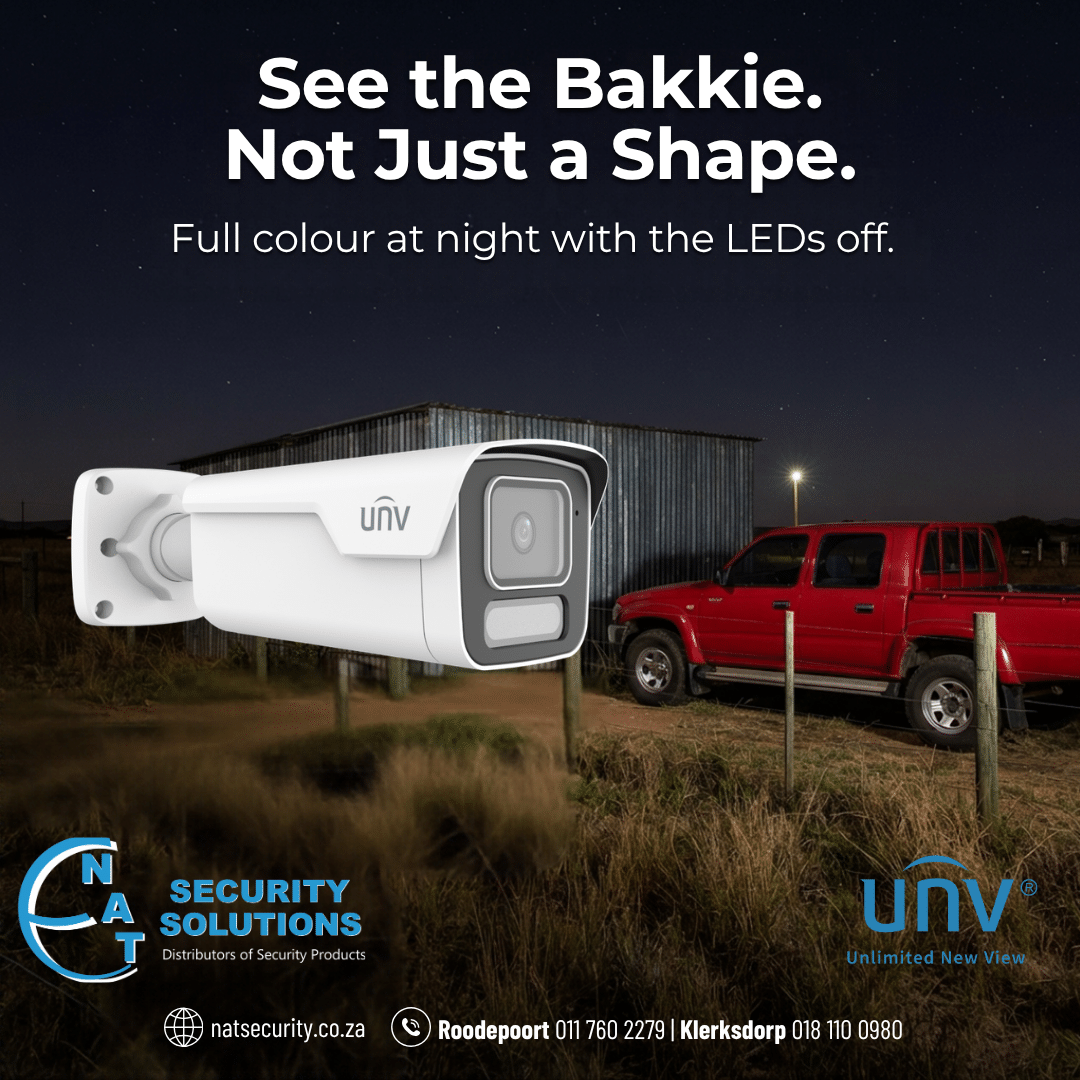
Infrared cannot tell a red bakkie from a white one. Wise-ISP adds that colour evidence:
Farms and agricultural businesses: colour footage of stock theft, vehicles at gates and movement around sheds, with no lights to alert intruders or unsettle livestock.
Commercial premises: clear colour of vehicles and clothing in parking areas and loading bays.
Schools and campuses: discreet coverage of perimeters and entrances after hours.
Government sites: forensic-grade detail on large perimeters without light pollution complaints.
To choose the right resolution for each site, see our guide to 4MP vs 8MP OwlView cameras.
ColorHunter vs OwlView: How Wise-ISP Makes the Difference
ColorHunter is Uniview’s fourth-generation full colour range. It relies on warm white LEDs to light the scene, so colour is limited to the LED range and the lights stay on all night.
OwlView is the fifth generation. It adds Wise-ISP and qualifying optics, so it produces colour from the available light and only uses its LEDs when needed. In short, ColorHunter lights the scene to get colour, while OwlView processes the scene to get colour.
ColorHunter suits sites where lighting is acceptable; OwlView suits sites where discretion, distance or light pollution matters.

Installing Wise-ISP Cameras: Tips for South African Installers
Use available light. Position cameras to maximise existing light and keep lenses clean.
Check recorder compatibility. Pair OwlView cameras with a Uniview NVR for full feature support. With a third-party recorder, check the camera’s ONVIF profile on its datasheet.
Protect the install. Fit surge protection and a UPS on rural and farm sites, where lightning and power cuts are common.
Order Wise-ISP OwlView Cameras from NAT Security
As an official Uniview distributor, NAT Security Solutions supplies the full OwlView and OwlView Plus range to installers and resellers, with trade pricing, training and a drop-and-swop policy on warranted units. Browse our Uniview IP cameras and contact your nearest branch today: Roodepoort 011 760 2279 (sales.rood@natsecurity.co.za), Klerksdorp 018 110 0980 or Gqeberha 044 124 0380.