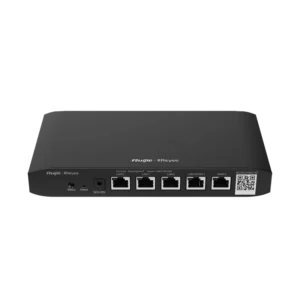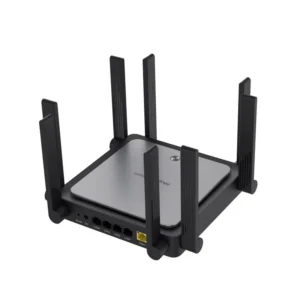
Ruijie RG-EG105G-P-V3 5 Port Gigabit Cloud Managed Router with PoE
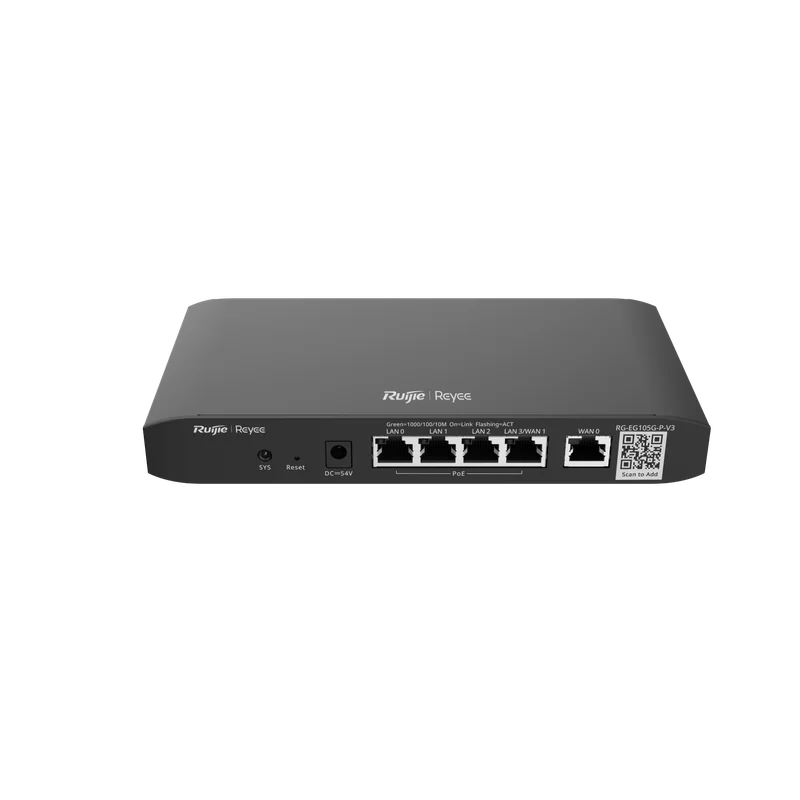
The Ruijie RG-EG105G-P-V3 is a 5 port gigabit cloud managed router with PoE. It is built for organisations that need a router they can manage centrally, without relying on a dedicated on-site administrator for every change. Combining gigabit wired ports, power over Ethernet support and cloud management, it fits small and medium networks, branch offices and distributed sites.
Key features
- Five gigabit Ethernet ports for wired connections
- PoE support for powering compatible devices over the network cable
- Cloud managed, so settings can be viewed and changed remotely
- Router functionality for connecting a local network to the internet
- Suitable for single-site and multi-site management
Cloud management
Cloud management moves much of the day-to-day administration to an online platform. Staff can check whether the router is online, review its status and apply configuration changes from any location with a connection. For businesses with several branches, this means one dashboard can cover many sites, which saves time on travel and speeds up response when something needs attention.
Gigabit wired connectivity
The five gigabit ports allow wired devices to communicate at gigabit speeds on the local network. This suits workstations, file storage, printers, point-of-sale terminals and other equipment that benefits from a fast, stable wired link. Plan your port usage in advance, since each port is used for one connected device or switch.
Power over Ethernet
PoE allows compatible devices to receive power through the same Ethernet cable that carries their data. This can simplify installation of devices placed in ceilings, walls or other spots where a nearby power outlet is not available. Before connecting PoE devices, confirm that their power requirements fit within the router’s PoE capacity, as stated in the manufacturer documentation.
Typical uses
- Small office networks with a mix of wired devices
- Branch offices that are managed from a head office
- Retail or hospitality sites that need a separate guest network
- Remote locations where on-site visits are costly or slow
- Networks with PoE devices such as access points or cameras
Installation and setup
Connect the WAN or uplink port to your internet connection, then attach your local devices to the remaining ports. Register the router with the cloud management platform so it can be configured remotely. Before going live, review the manufacturer guide for the recommended setup order, firmware checks and any security settings relevant to your environment.
Who it is for
This router suits IT managers, managed service providers and small business owners who want a manageable, straightforward network device. It is also a practical choice for anyone who needs to oversee several sites without frequent travel. For larger networks with many users or advanced routing needs, check the full feature list to confirm it meets your requirements.