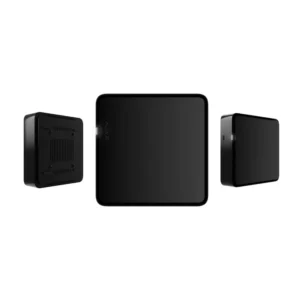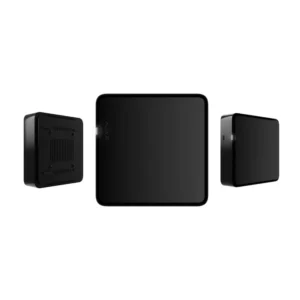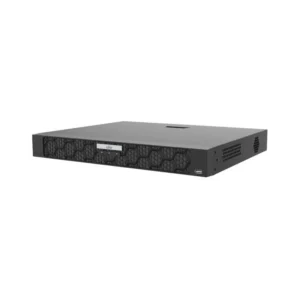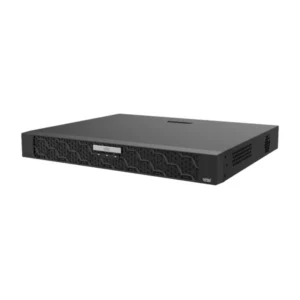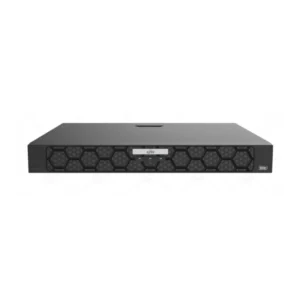
UNIVIEW NVR 8CH 5MP with HDMI and VGA, 1 Channel Audio and 1x SATA
The UNIVIEW NVR 8CH 5MP HDMI&VGA 1CH AUDIO 1XSATA is an eight-channel network video recorder designed as the recording centre of an IP camera system. It receives video from networked cameras, stores it on an internal hard drive and provides live view and playback through a connected display. This makes it a suitable core for a compact surveillance installation that needs reliable, centralised recording.
What the model name means
Each part of the product name describes a feature. NVR is a network video recorder, meaning it records digital streams from IP cameras over a network rather than analogue signals. 8CH means eight video channels, so up to eight cameras can be connected. 5MP indicates support for camera streams of about five megapixels, which gives sharper images than standard resolutions. HDMI and VGA are two video output types for a monitor or TV. 1CH AUDIO means one audio channel for sound recording or monitoring. 1XSATA refers to one SATA interface for an internal hard drive, which is where the recorded footage is stored.
Key features
- Eight-channel recording for up to eight IP cameras
- Support for 5MP camera resolution
- HDMI video output for a high-definition display
- VGA video output for older monitors
- One audio channel for recording or monitoring sound
- One SATA interface for an internal hard drive
- Live view and playback of recorded footage
- Designed for use within the UNIVIEW camera ecosystem
Specifications overview
- Type: Network video recorder (NVR)
- Channels: 8
- Maximum camera resolution: 5MP
- Video outputs: HDMI and VGA
- Audio: 1 channel
- Storage interface: 1x SATA
- Brand: UNIVIEW
Please check the full data sheet from the manufacturer for exact details such as supported video compression formats, maximum storage capacity, network ports and power requirements before purchase.
Typical uses
This recorder suits a range of small and medium surveillance projects. In a retail shop, it can record entrances, tills and sales floor areas. In an office, it can cover reception, corridors and server rooms. Warehouses and yards benefit from centralised recording of loading bays and perimeters. Small industrial sites, schools, clinics and homes with multiple cameras can also use it to keep all footage in one location.
Setting it up
Connect the NVR to the same network as your IP cameras, using a switch or router with enough ports for the recorder and cameras. Fit a suitable SATA hard drive inside the unit, power it on and add each camera to the recorder. Connect a monitor through HDMI or VGA to view live images. Once the cameras are added, configure recording schedules or continuous recording so the footage you need is stored.
Why choose this model
The combination of eight channels, 5MP support and both HDMI and VGA outputs makes this NVR flexible. It can work with a modern high-definition display or an older monitor. The single audio channel adds sound capture where it is useful. For a system that grows over time, you can plan additional recorders for more cameras, while this unit covers up to eight channels in one enclosure.