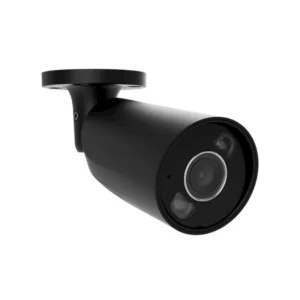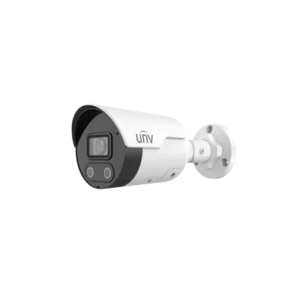
AJAX BulletCam HL 5MP 2.8mm Black and White Bullet Camera
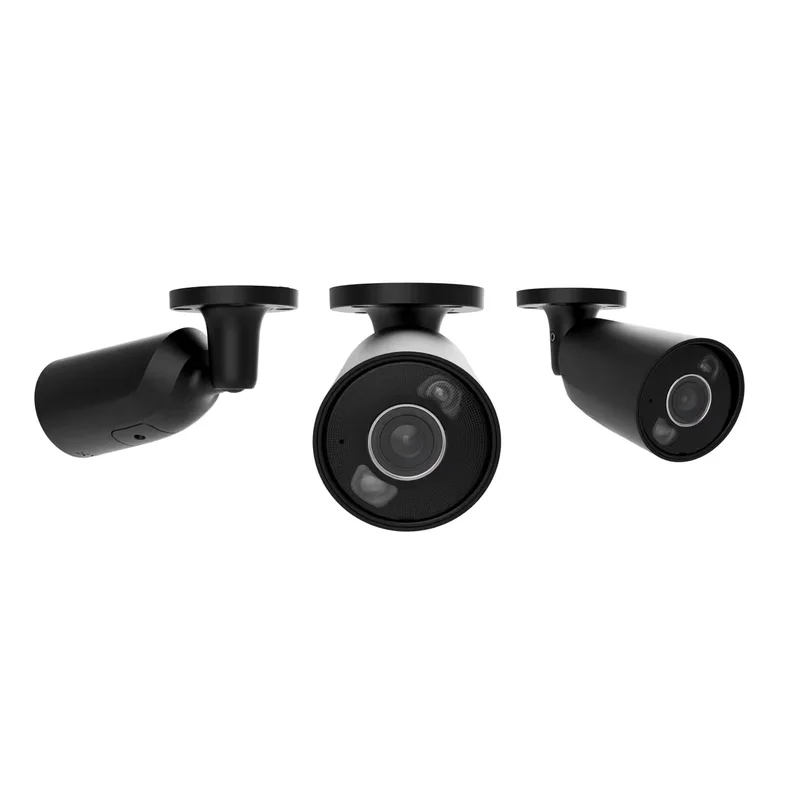
The AJAX BulletCam HL 5MP 2.8mm Black and White is a fixed bullet camera for closed-circuit television (CCTV) security systems. It combines a 5 megapixel sensor with a 2.8 mm lens and a black and white image mode, making it a straightforward option for monitoring a defined area around a building or site.
Bullet cameras are named after their long, cylindrical body. They are usually mounted on a wall, soffit or bracket and pointed at the area under surveillance. Because the body is slim and the camera is fixed in one direction, a bullet camera is a common choice for entrances, drives, loading areas, fences and external walls.
Key features
- Brand: AJAX
- Type: bullet camera
- Resolution: 5 megapixel (5MP)
- Lens: 2.8 mm fixed focal length
- Colour mode: black and white (B&W)
- Category: CCTV, bullet cameras
Image quality
A 5MP sensor captures considerably more pixels than a standard definition camera. In practice this means more detail in the recorded image, which can make it easier to see faces, number plates, clothing and other small details at a distance, provided the scene is well positioned and lit. The black and white mode produces a monochrome picture. Monochrome images are often preferred where the main task is to see shapes, movement and outlines rather than colour, and they can be useful in dim conditions where a colour image would be less clear.
Lens and field of view
The 2.8 mm lens is a wide-angle focal length. It takes in a broad view of the scene from a fixed position, which is helpful for covering open areas such as yards or car parks. The trade-off is that objects far from the camera appear smaller than with a longer lens. When planning a installation, consider how far away the subject will be and whether the 2.8 mm angle covers the whole area you need to watch.
Typical uses
- Monitoring building entrances and exits
- Covering car parks, driveways and yards
- Observing perimeter walls and fences
- Recording loading bays and storage areas
- Adding a fixed view to an existing CCTV system
Installation considerations
Before fitting the camera, confirm that its power supply and video or network connection match the rest of your system. Choose a mounting point that is stable and gives a clear, unobstructed view. Avoid pointing the lens directly at strong light sources, as this can reduce image quality. Position the camera so that the area of interest sits in the central part of the frame. Check the camera settings after installation and review the footage at the times of day when the scene is most important.
Who it is for
The camera suits installers, facilities managers and small or medium businesses that need a simple fixed camera from a known security brand. It can also serve homeowners who want a single external view. For larger systems, a mix of camera types, such as dome and bullet models, is often used together, so the bullet model here can be one part of a wider setup.
Confirm all technical details, such as power requirements, operating conditions and compatibility with your recorder, against the manufacturer documentation before purchase.